The free Pinterest CSV generator that schedules 90+ pins in one go
Upload your images, name your board — pinsBatch writes SEO titles, spaces out publish times, and hands you a CSV built for Pinterest's own bulk uploader. No design software, no spreadsheets, no signup.
100% free to use. No account needed, no key to set up — built-in image hosting and smart captions run automatically in your browser.
Why creators switch to pinsBatch
Pinterest rewards consistent, keyword-rich publishing — doing that by hand eats an afternoon. pinsBatch automates the hosting, the copywriting, and the scheduling math, all in one free tool.
True 90-pin batches
Process a full library in one pass — Process up to 90 images per batch, completely free.
Free AI Pinterest pin maker
Unique, on-topic titles and descriptions per image — no filename shuffling, no key to set up.
Smart auto-scheduler
Space pins from every hour to every three days, with the Publish date column already filled in.
Website traffic scanner
Point pinsBatch at your site to see which pages have real Pinterest search demand before you pin them.
Business-ready CSV
Export in the exact column format Pinterest's bulk uploader expects — no reformatting in a spreadsheet.
Nothing to configure
Image hosting runs on built-in keys with automatic rotation and smart captions are written in your browser — no server, no account, no setup, nothing uploaded to us.
Link in Bio builder
Turn one bio link into a page of all your pins, boards and offers — visitors tap once and land exactly where you want them.
Pin anything in one click
The free Chrome extension saves any image you find online straight to your boards, with your title and link already attached.
Watch how it works
Two short tutorials — from CSV to scheduled pins, and the extension that grabs them all.
Part 1: Generate your CSV & schedule pins
Board name, image upload, schedule settings, one-click CSV — ready for Pinterest's bulk uploader.
Part 2: Grab & download with the extension
Install the extension, grab pin links from any profile, and auto-download every image.
Who pinsBatch is built for
Same free CSV generator and AI captions, tuned to how each kind of creator actually uses Pinterest.
Etsy Sellers
Batch a whole catalog into pins in one run.
Bloggers
Turn post graphics into pins without the copy-paste.
Affiliate Marketers
One destination link, a whole batch of pins.
E-commerce Stores
Product photos in, bulk-upload CSV out.
Home Decor & DIY
Built for Pinterest's biggest visual category.
Food & Recipe Bloggers
Batch a whole recipe archive at once.
Travel Bloggers
One batch per guide, scheduled ahead of season.
Local Businesses
Show your work where customers already plan.
Marketing Agencies
One clean batch per client, every time.
Content Creators
Repurpose existing content into Pinterest traffic.
Real Estate Agents
Listing photos in, buyer leads out — one board per neighborhood.
Wedding & Event Planners
One board per wedding, every detail pinned months before the big day.
Four free tools for every kind of pin
One free toolkit that turns your images, articles and links into Pinterest-ready pins — no signup, no install, no cost.
Bulk Pins Generator
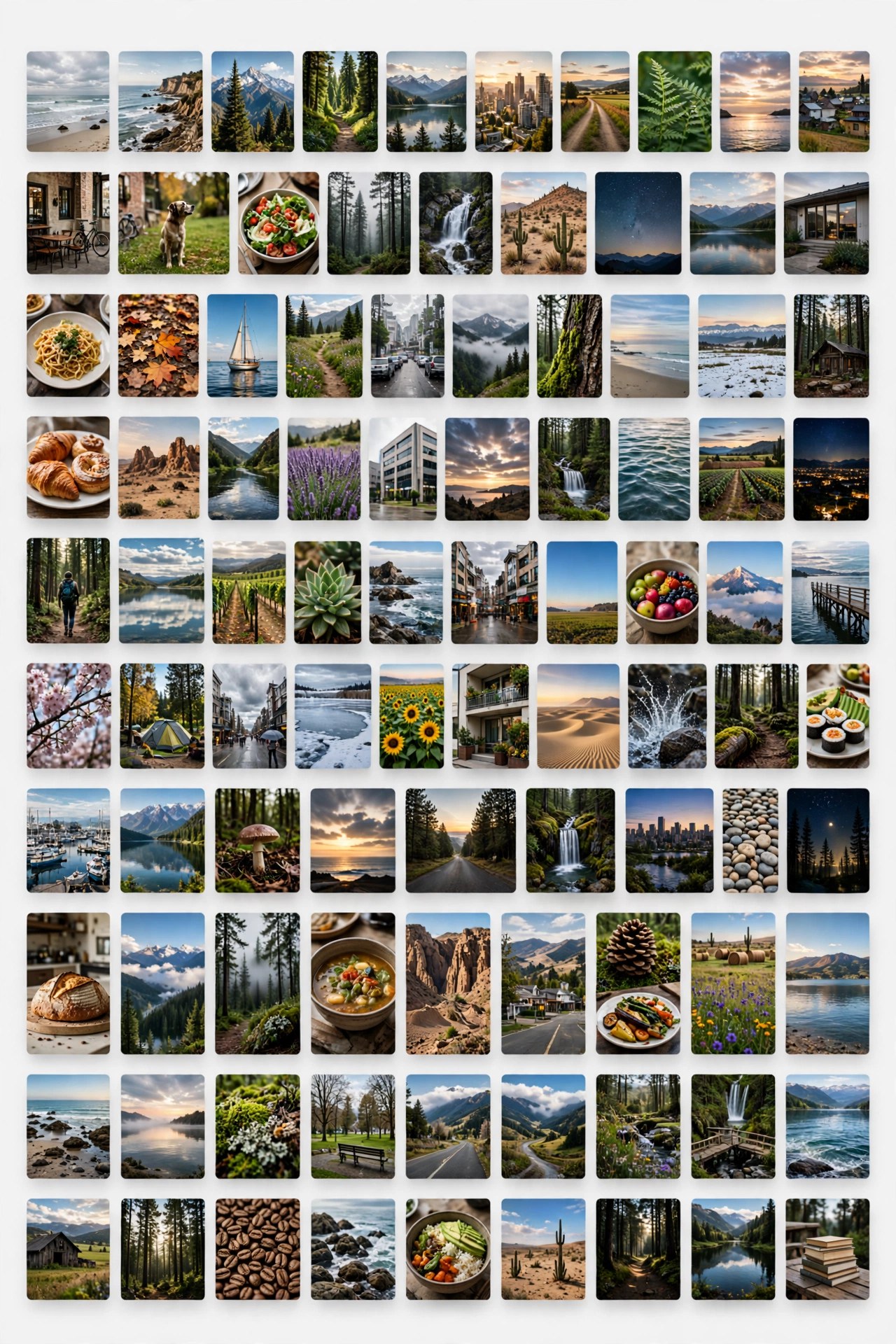
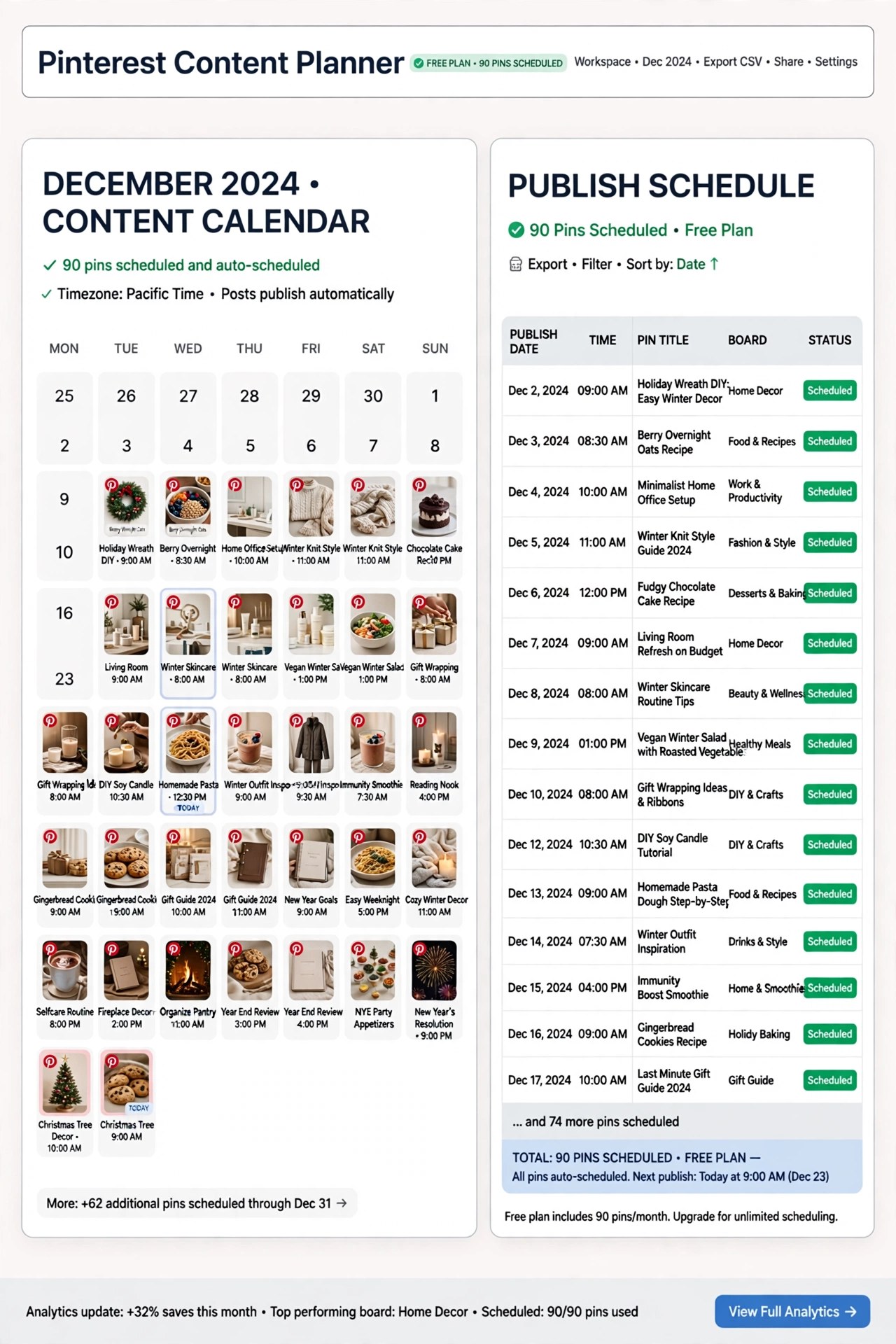
Turn up to 90 images into Pinterest-ready pins in one go — hosted, captioned and scheduled.
- Up to 90 images per batch, free
- Built-in image hosting — no key needed
- AI captions, or bring your own (.txt/.csv)
- Auto-spaced publish dates in the CSV
- CSV in Pinterest's own bulk-uploader format
Pin Designer
Turn any article into a designed pin — pick a design, drag the text, export and schedule.
- 32 ready-made pin designs
- Paste 1 or several article links
- Up to 10 images per pin, drag to arrange
- Drag the text up and down on the pin
- Export PNG in 6 sizes, incl. Pinterest 2:3


Link in Bio Builder
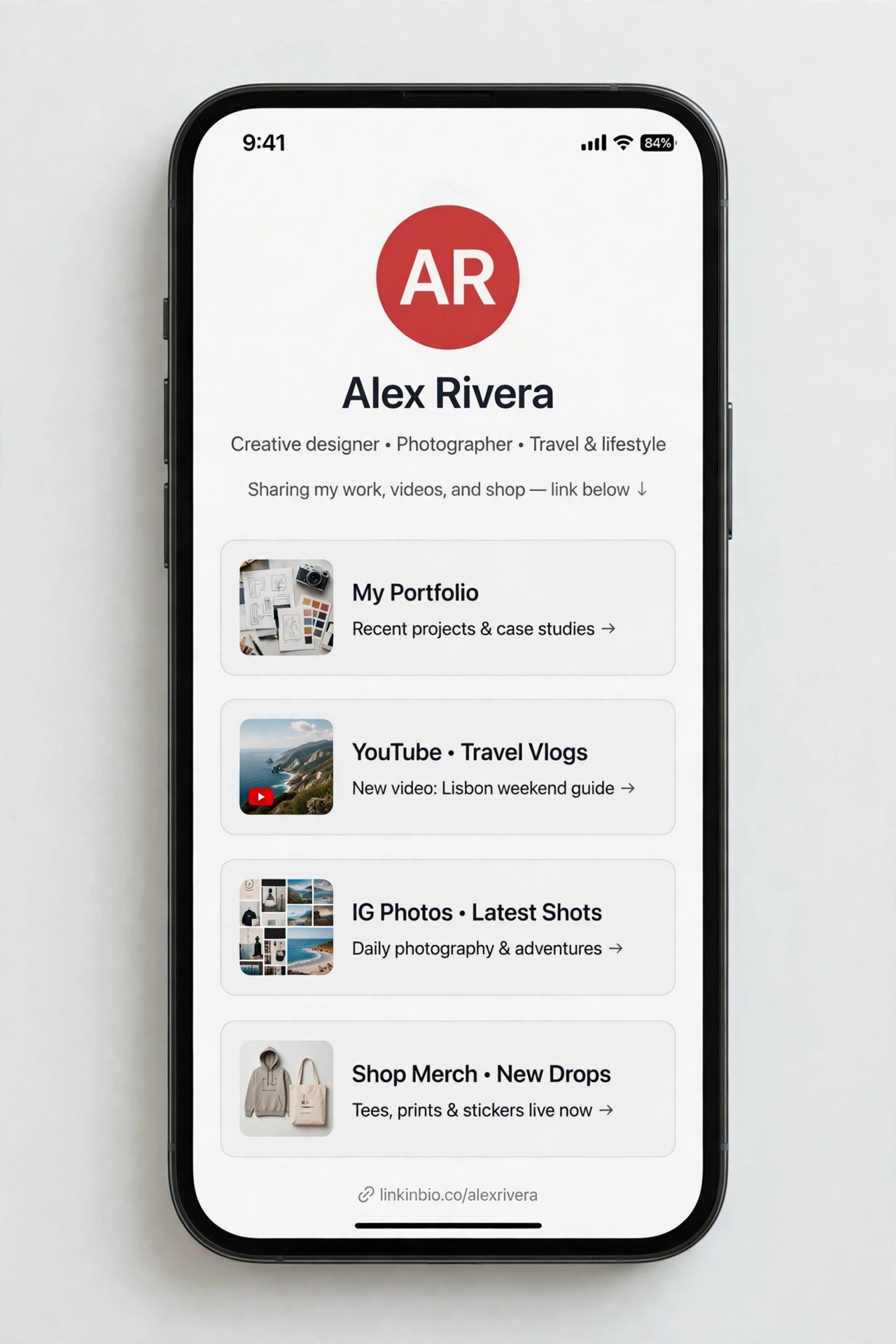
Create a beautiful bio page for your Pinterest profile — free forever, no signup.
- Your profile on top: name, bio, photo
- Add as many links as you like
- Pick a theme and button shape
- Live preview updates instantly
- Download as one HTML file or share a link

Link Optimizer
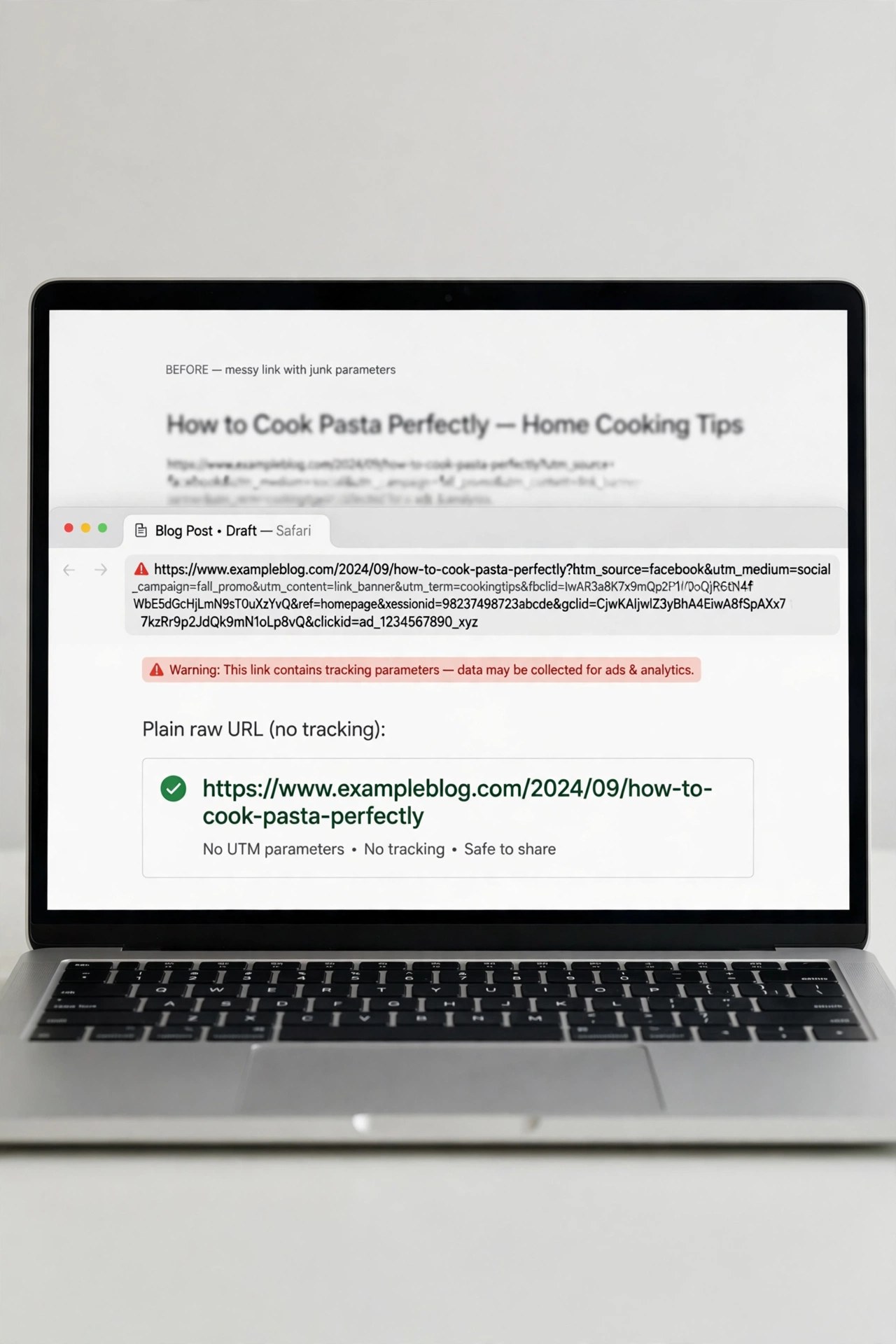
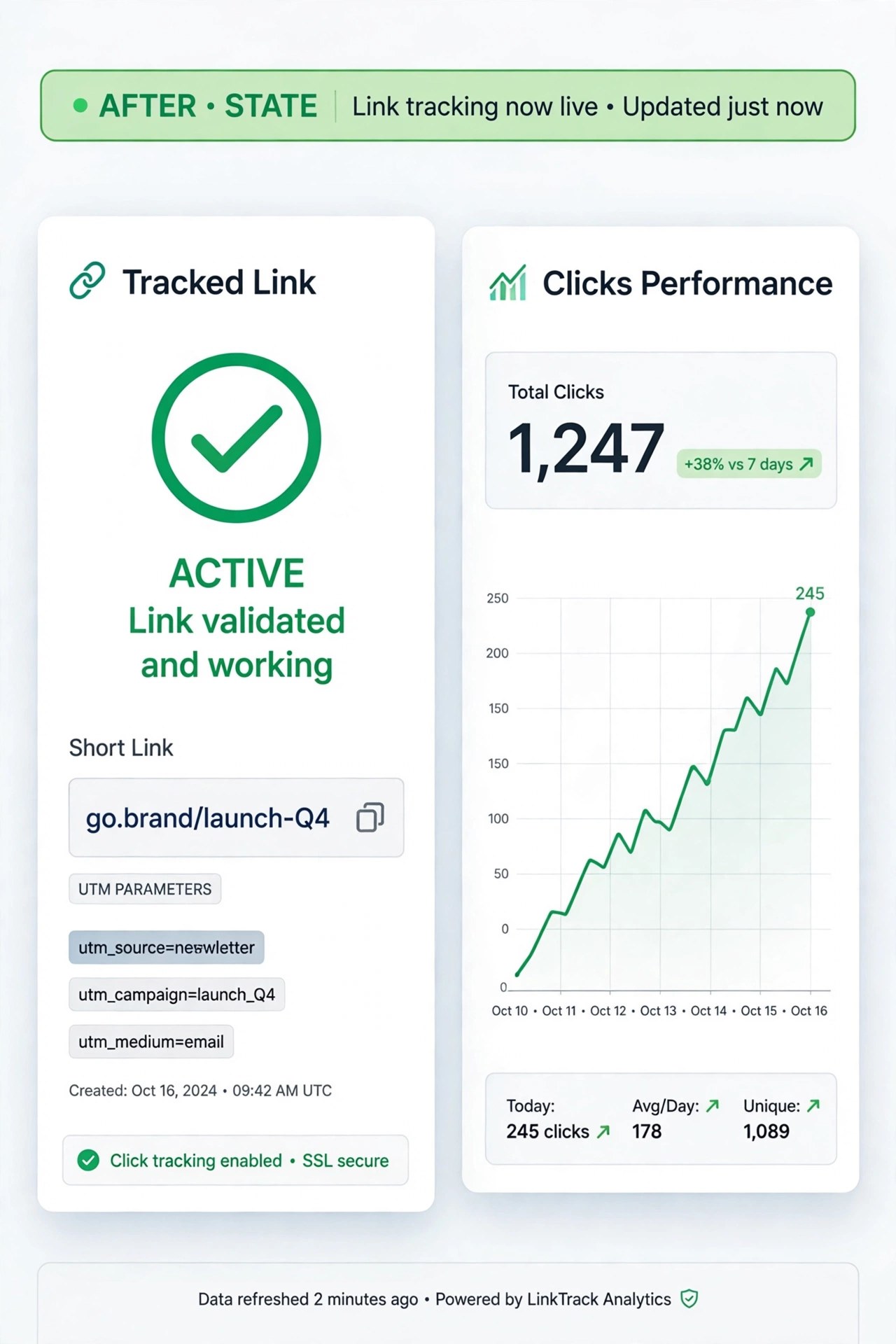
Turn any blog link into a Pinterest-ready tracked link — UTM tags added, junk stripped.
- Single link or bulk — up to 20 links at once
- Adds UTM tags Google Analytics can read
- Strips fbclid, gclid and other junk params
- Replaces old UTM tags — never duplicates
- Copy all, or download results as .txt/.csv
From the blog
Free guides on Pinterest CSV files, AI captions, and keyword research.
What pinsBatch actually does
pinsBatch is a free Pinterest CSV file generator built for anyone who needs to publish a large batch of pins without doing every step by hand — click to read the full breakdown.
Picture this: you are an Etsy seller with 200 listings, or a blogger with a year of post graphics sitting in a folder. Doing them one by one on Pinterest would take you a whole weekend. pinsBatch turns that weekend into minutes. You upload your images, name the board they belong to, and the tool handles the whole chain in one pass — no server, no signup, no setup.
Hosting is built in. Every image is hosted through built-in ImgBB keys that rotate automatically if one hits its limit, so you never configure a key or a server. Your images get public links Pinterest can read, straight from your browser.
AI captions write themselves. If you do not want to write your own captions, pinsBatch's built-in AI smart writer generates a unique, on-topic title, description and hashtags for every image — no filename shuffling, no generic placeholder text repeated across every pin. Prefer your own words? Bring your own titles and descriptions and keep full control.
Scheduling that looks human. Publishing ninety pins in the same instant looks automated, so when you schedule Pinterest pins with pinsBatch, it spaces out the Publish date column across a range you choose — anywhere from every hour to every few days — using your own local time zone. The batch reads like steady, ongoing activity rather than a single bulk drop. The final export matches the exact column format Pinterest's own bulk uploader expects, so there is no reformatting a spreadsheet by hand.
Free, for everyone, forever. The free Pinterest CSV generator processes up to ninety images per batch with no account required — image hosting, AI captions and the scheduler run right in your browser, with zero setup. It is built for Etsy sellers batching a full catalog, bloggers turning post graphics into pins, affiliate marketers who need one destination link across many pins, and small teams who would rather spend their time on strategy than on retyping CSV columns by hand.
Pin SEO Analyzer: paste any pin title and description to get an instant SEO score — keyword placement, description length, hashtag check, and concrete fixes before you publish.
pinsBatch Extension (free): our free Chrome extension brings the CSV generator to your browser. Download it free from the button at the top of this page and unlock it with the monthly license key shown right here on pinsbatch.online — a new key each month, always free, no payment, no account.
What you get in each tool
Short answers about the four free tools above — what each one gives you, and what you need (or don't need) to use them.
What do I get in the Bulk Pins Generator?
A ready-to-upload CSV for Pinterest's bulk uploader: up to 90 images hosted for you, each with a title, description and hashtags — written by AI, or your own from a .txt/.csv file — plus your board, your destination link, and publish dates spaced out for you.
What do I get in the Pin Designer?
A finished pin image (PNG) designed from your article: pick from 32 ready-made designs, place up to 10 images, drag the text where you want it, and export in 6 sizes including Pinterest 2:3 — with the same schedule and CSV options as Create Pins.
What do I get in the Link in Bio Builder?
A bio page for your Pinterest profile: your name, bio and photo on top, as many links as you like, your choice of theme and button shape — download it as one HTML file or share it with a link.
What do I get in the Link Optimizer?
A clean, tracked link: your blog URL with UTM tags added (so Google Analytics shows Pinterest as the source), junk params like fbclid and gclid stripped, and old UTM tags replaced instead of duplicated — for one link or up to 20 at once, with results to copy or download as .txt/.csv.
Do I need a Pinterest account or login to use these tools?
No — all four tools run in your browser without signing in or connecting Pinterest. (Uploading the finished CSV into Pinterest is Pinterest's own step, and that needs a free Business account.)
Do I need to install or download anything?
No — the four tools run entirely in your browser, nothing to install. The only download is the optional Chrome extension, and only if you want one-click pin grabbing.
What file or format do I get from each tool?
Bulk Pins gives you a CSV file; Pin Designer gives you a PNG image; Link in Bio gives you an HTML file (or a share link); Link Optimizer gives you clean links to copy or download as .txt/.csv.
Does the Link Optimizer change where my link goes?
No. Your destination stays exactly the same — it only adds UTM tracking tags and removes junk parameters.
Learn how to use every tool
Step-by-step guides for each free pinsBatch tool — read the guide, then open the tool.